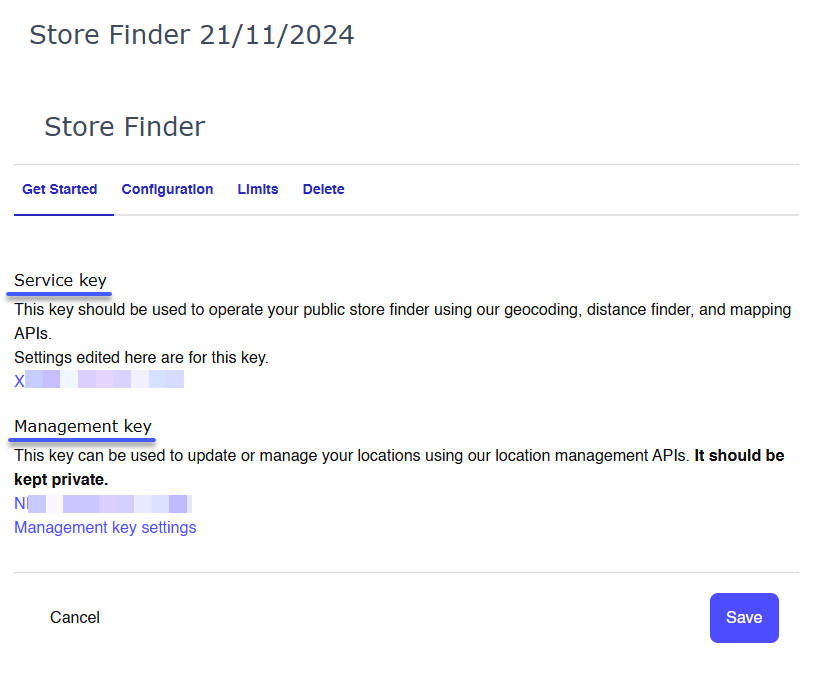

All of our services require API keys in order to work, which you can create in your account - see the Creating API Keys page for full details of how to do this. In this article we’ll quickly explain the specifics of creating API keys for use with a Store Finder.Documentation Index
Fetch the complete documentation index at: https://docs.loqate.com/llms.txt
Use this file to discover all available pages before exploring further.
Store Finder API keys
You need to create a dedicated service for your Store Finder. On the Add service page you’ll see a Store Finder option - click on this to get started.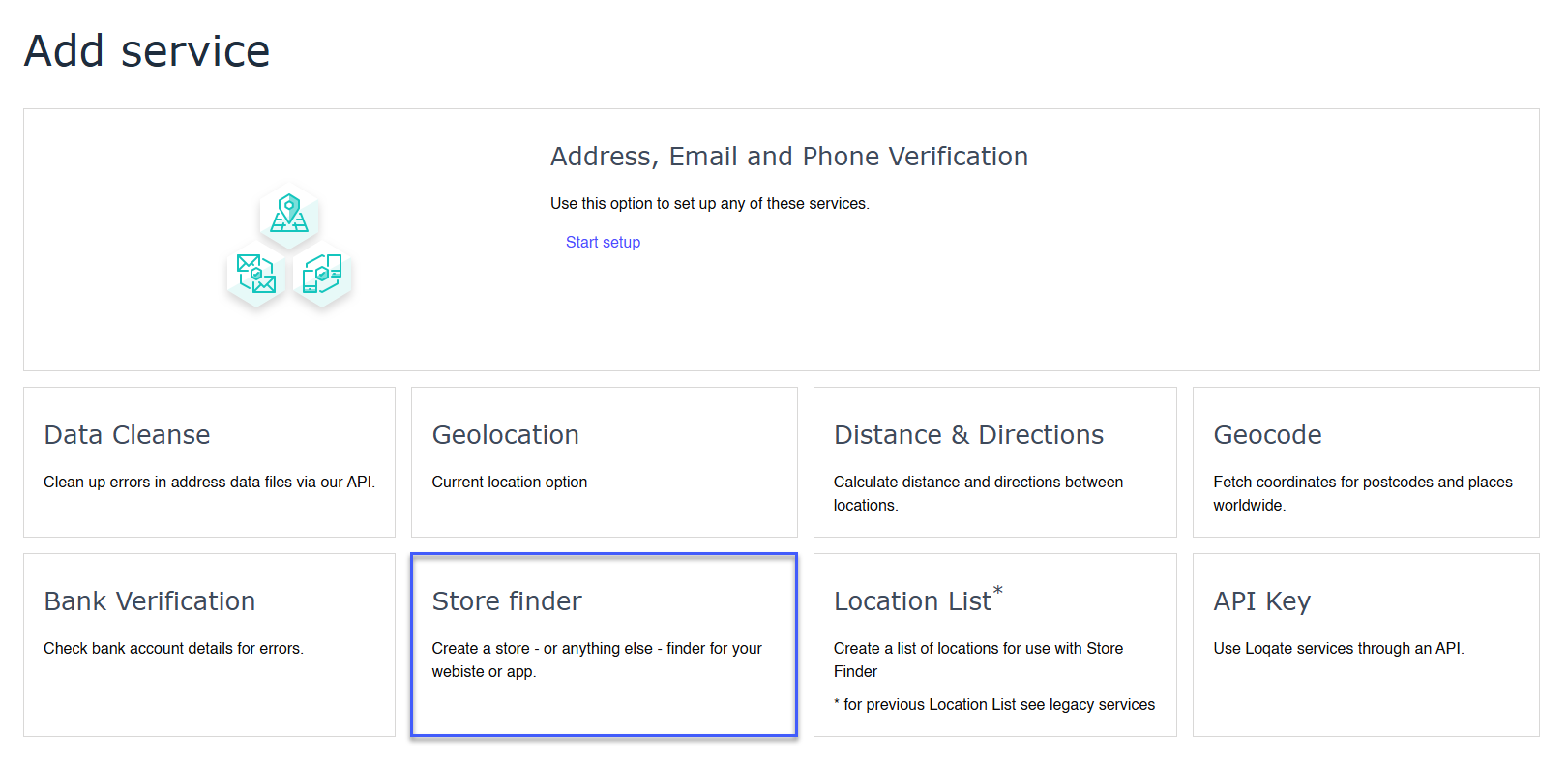
- A Service key, which should be used for all of the public-facing aspects of a Store Finder such as your calls to our Geocoding, Distance Finder and Mapping APIs
- A Management key, which should be kept private and only used to access our Location Management APIs for creating, editing and deleting your lists